On this page (5)
A rail booking is advance notice that a train will be placed, meaning its wagons shunted onto a specific siding track at a specific time, together with the wagon list and the wagons’ UIC numbers (their twelve-digit registration numbers). It differs from a road booking in that it covers the whole train, reserves a track instead of a loading dock and has no driver at the other end who can be sent a text message, because the booking is made by the carrier as a company. In TraxSystem the rail carrier books the placement and enters the wagon list itself, in the carrier portal, and the booking goes into the same log as road traffic.
What a rail booking contains
A rail booking has different fields from a road booking, so trying to handle it with the same form ends with a spreadsheet kept alongside the system.
| Item | Why it is there |
|---|---|
| Carrier | the company responsible for the train |
| Placement time | the time of the shunting move, not of an arrival from the public road |
| Track | the reserved resource; one track holds many wagons at once |
| Wagon list | a list of UIC numbers, validated as they are entered |
| Load and destination | what the train carries and where it goes after unloading |
The wagon list takes the most work, and it is the part most worth moving to the portal. Fifteen wagons means a hundred and eighty digits to retype, and the carrier already has them in its own system. If the carrier enters them once, on its side, the site doesn’t retype them at all.
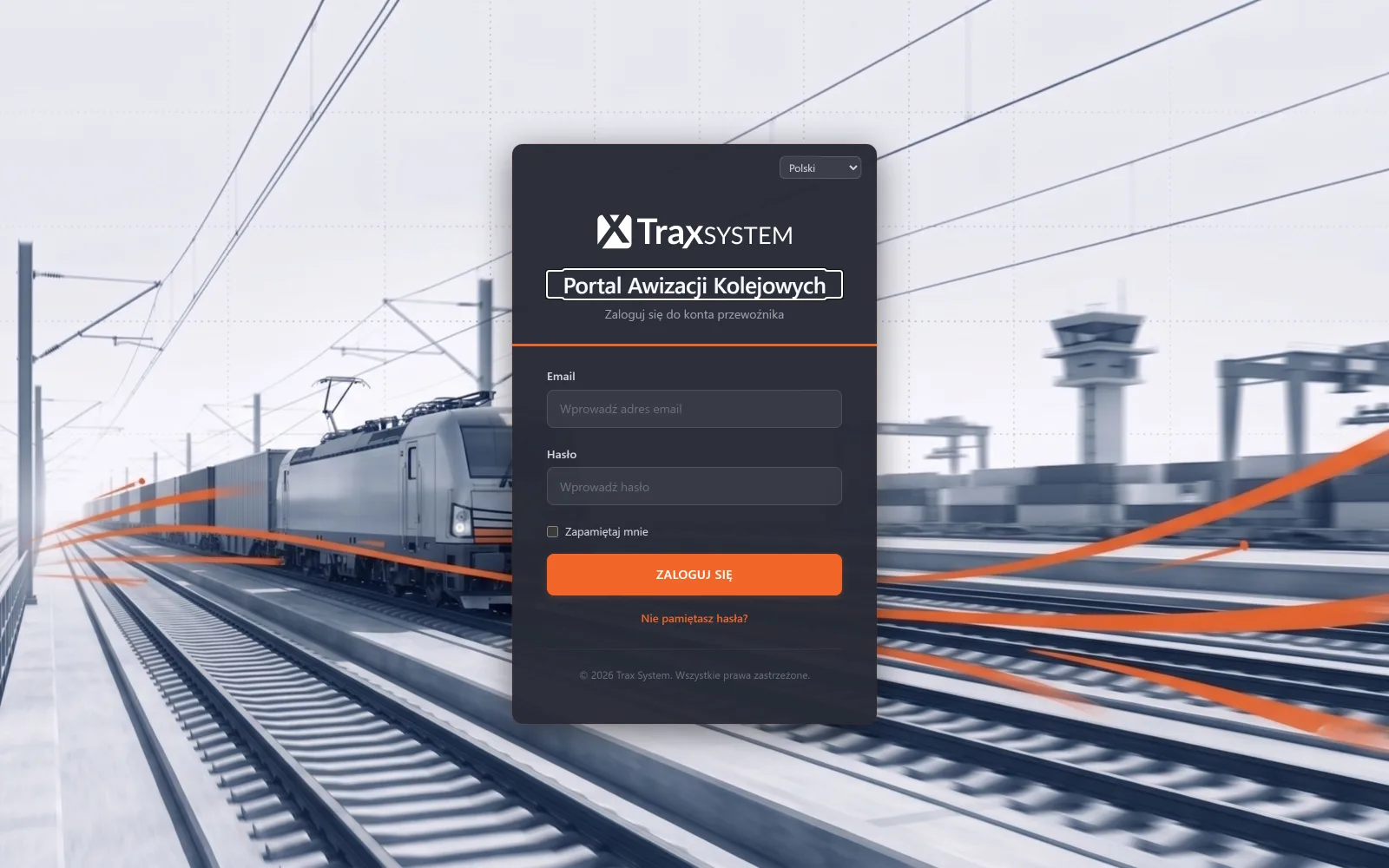
The rail carrier portal in TraxSystem
The rail carrier portal in TraxSystem is a separate browser login, limited to one carrier’s bookings. The carrier sees only its own trains and has no view of the rest of the system or of other companies’ traffic.
The site no longer has to retype wagon lists or ring the carrier to ask when the train can be placed. The dispatcher sees track occupancy on a calendar and approves or moves the time. The carrier doesn’t wait for a confirmation by email: it books the placement and sees its status.
Both sides keep a record: who made the booking, when, what was on the wagon list and what the train placed on the track actually looked like. In a dispute over a missing wagon, that is the only material that settles anything.
The portal is part of the Rail operations module, which is priced by the number of tracks, and the track limit grows with the size of the base package. It isn’t a separately charged add-on and doesn’t need a licence on the carrier’s side. The pricing page shows what the module costs with one, three or ten tracks.
The train announced and the train placed
The train placed on the track isn’t always the one announced in the booking: a wagon may drop out, another may be added, the order may change. Wagon records only make sense if they can cope with changes like these. A system that assumes the placed train is identical to the announced one forces someone to retype the wagon list from scratch at every change, and after a month nobody keeps it up to date.
In TraxSystem the wagon list can be edited after the booking is made, and the status and dwell time on the siding are tracked for each wagon separately, regardless of the status of the whole train.
What the rail carrier portal does not do
The portal doesn’t exchange data automatically with rail carriers’ systems. Bookings and wagon lists reach TraxSystem through the portal or are entered by hand, and the portal has no connection to carriers’ systems or to network timetables.
Nor does the portal replace the siding’s operating rules or the documentation required by Polish railway regulations. Its scope is logistics: who books the train, what arrives on it, when and on which track.
SMS notifications in the system are built around the lorry driver, so the portal doesn’t send them to the train driver. With rail, communication goes to the carrier through the portal.
Questions and answers
Does the number of carriers in the portal affect the price?
No. The module price depends on the number of tracks. Each carrier gets its own login and sees only its own bookings.
Does the rail carrier have to install anything?
No, the portal works in a web browser.
Can rail and road bookings run side by side?
Yes. Road bookings are handled by the Bookings and warehouse module and rail bookings by the Rail operations module, but both kinds of traffic go into one log for the site.
See also: A plant with a railway siding: why road traffic systems don’t handle wagons · UIC wagon numbers: what they mean and how to keep a wagon list · ‘What time should I be there?’ calls: how to stop taking them