On this page (6)
A phone call about the delivery time is only needed because the carrier cannot see the free slots. Once it can see them in a carrier portal, it books the time itself, and instead of twenty phone calls a day the logistics team has twenty bookings in the calendar. The phone then stops interrupting work every quarter of an hour.
A carrier portal is a separate browser-based view that the haulier logs in to with its own account. Access is granted to each carrier separately, so traffic moves to the portal gradually, starting with the carriers who come most often.
What the carrier sees and what it does not see
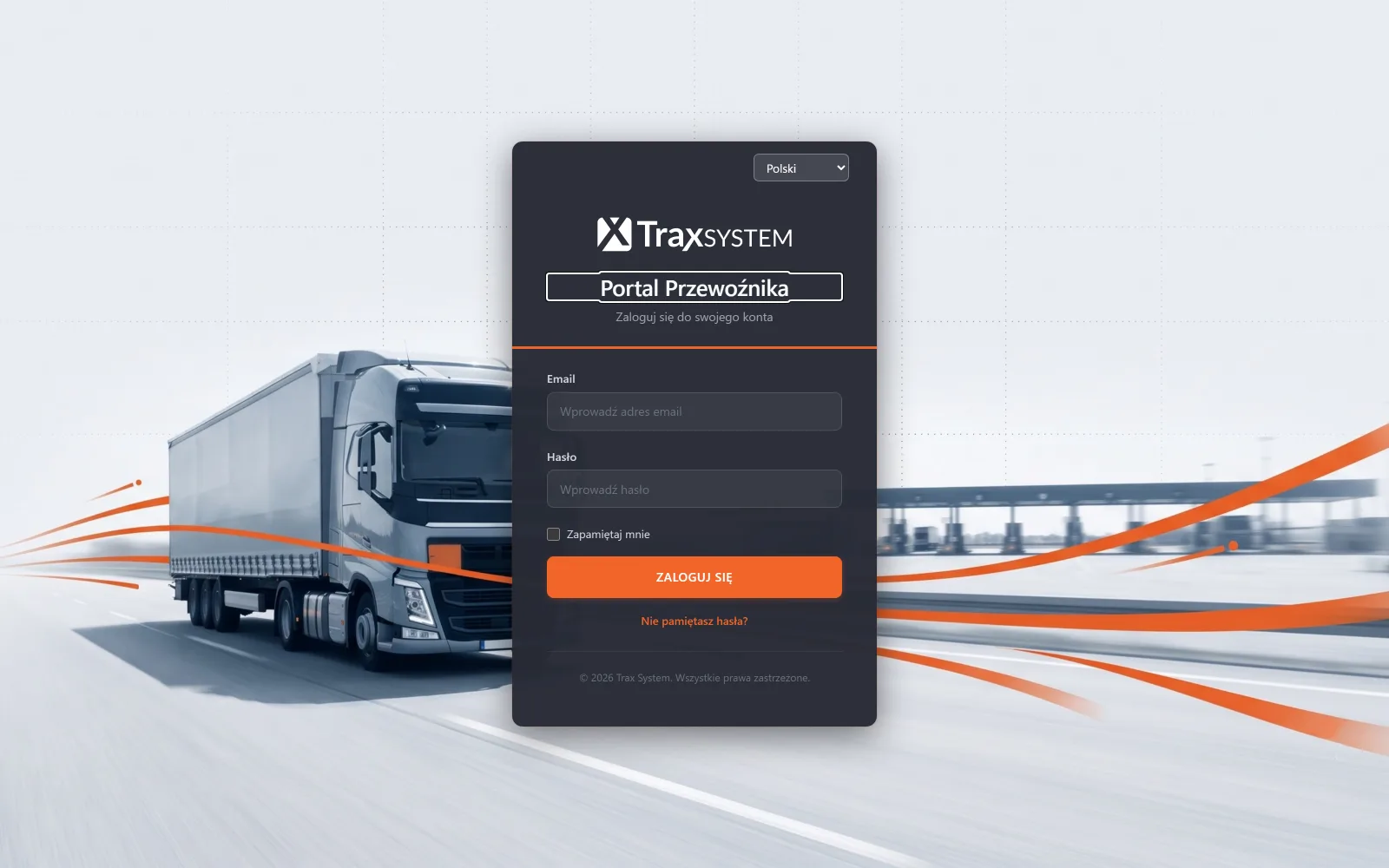
After logging in, the carrier sees the free slots at the docks open for booking, its own bookings with their status and history, changes of time and dock affecting its deliveries, and the data it entered itself, meaning the driver and the vehicle. It does not see other carriers’ bookings or other companies’ data, the plant’s internal data or the entry log.
Data separation is the first thing to check with any portal vendor. A carrier who logs in and sees its competitors’ schedule is a commercial problem on your side.
What the portal takes off the logistics team
The carrier picks a time from the free slots, and there is no negotiation, because there is nobody to negotiate with. The driver and vehicle details are entered the day before by whoever knows them, instead of someone spelling out a surname over the phone at seven in the morning.
A change of dock or time goes to the carrier, and to the driver by text message, so nobody has to ring up to say ‘we’ve moved you to dock three’. The question ‘can I come earlier?’ is answered by the calendar, because it shows whether there is a free slot.
What the portal will not sort out on its own
Some carriers will not use the portal: smaller ones, one-off ones and those who come to you twice a year. That is why someone at the plant must also be able to enter a booking, so that a carrier without an account does not drop out of the schedule.
The portal will not make carriers punctual, because a booking is a commercial commitment. The system will show who failed to turn up, and the conversation with the carrier is up to you.
Success depends on a rule introduced at the start: from a set date, an unbooked delivery is handled after all the booked ones. If the plant announces the rule in advance, carriers move to the portal within a few weeks.
Carrier accounts and portal permissions
A carrier gets its own account, with access limited to its own data. In TraxSystem permissions are fine-grained (217 permissions in 24 groups), so the visibility scope is set precisely, without a simple ‘portal yes/no’ switch.
You decide whether a company gets one account or each of its dispatchers gets their own. Separate accounts leave a trail of who made the booking, while a single shared one is easier to maintain.
The number of carrier accounts does not affect the price. The portal is part of the Bookings and warehouse module, and the amount depends on the number of docks; the pricing configurator will work it out.
The limits of the portal: integrations, carrier ratings and SMS
TraxSystem has no ready-made integrations with carriers’ transport systems and no ready-made connectors for SAP or Oracle. Data exchange is possible through the API, but it is a separate project.
Nor does the system rate carriers. There is no punctuality ranking or scoring; what there is, is the data from which such an assessment can be made outside the system.
Delivery of a text message is the network operator’s responsibility. TraxSystem records the moment it was sent, and the message may be delayed or the driver’s phone may be out of signal.
Questions and answers
Does the carrier have to install anything?
No. The portal runs in a browser, including on a phone.
Can the carrier cancel a booking?
Yes, within the limits you set, and a cancelled booking frees the slot.
What about bookings nobody turns up for?
After a set threshold in hours, the system marks them as no-shows and frees the dock. Without that, the schedule fills up with reservations that will never be used.
Is the portal available in English?
Yes. The interface supports fourteen languages, including English, and the carrier chooses the language itself.
See also: How to organise time slots at your loading docks · Truck queues at the gate: where they come from and how to clear them · Rail delivery booking: a portal for the rail carrier