On this page (6)
Who enters the driver and vehicle details
The driver and vehicle details are known to the freight forwarder who plans the route. The site finds them out when the truck is already standing at the gate, and then someone copies them from the documents, usually with a queue building up behind.
With a portal, the details are entered by the person who knows them: the forwarder, the day before, in their own time and from their own office. The gate receives a complete set and only checks that it matches what has pulled up.
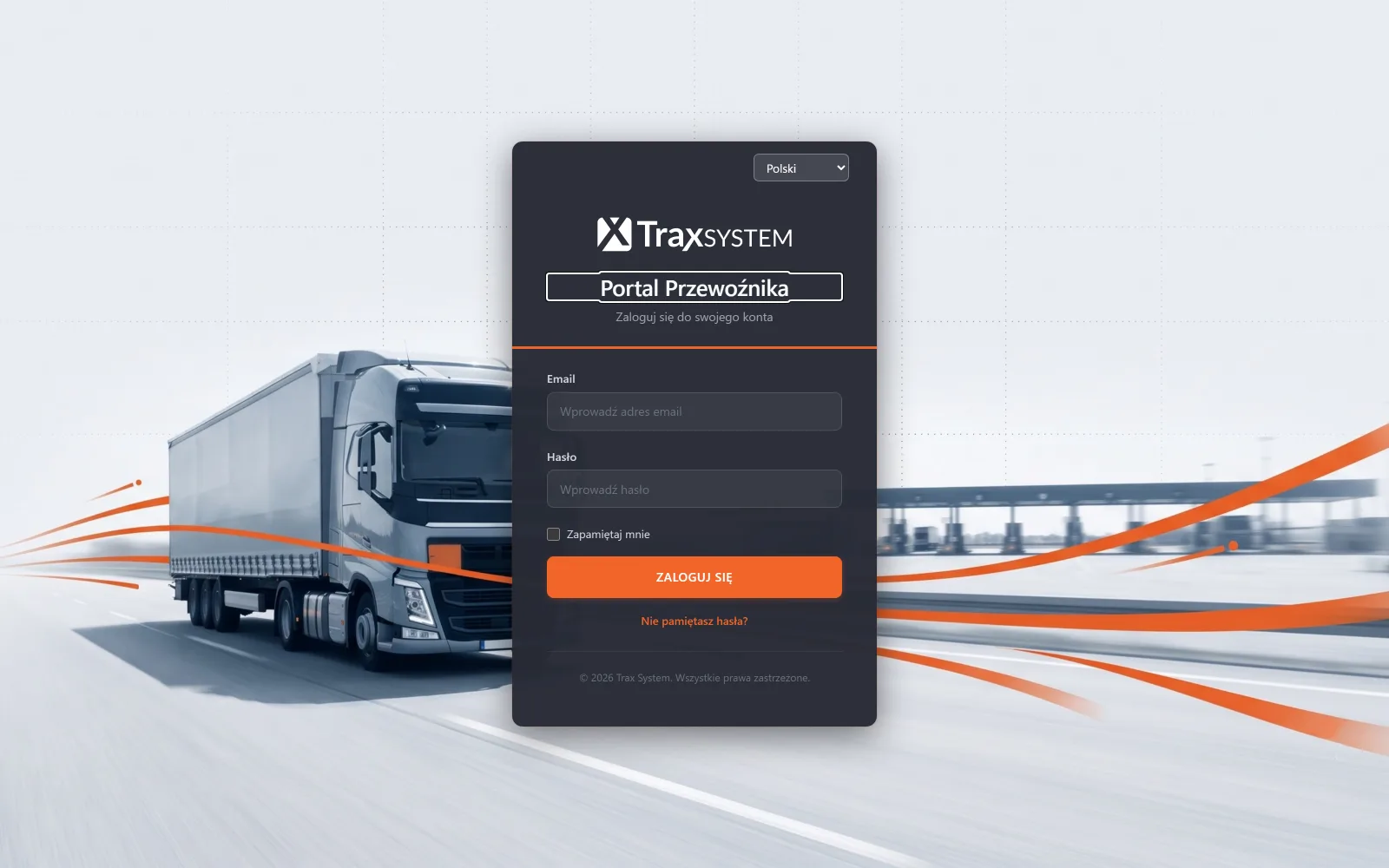
Road carrier portal, rail portal and customs portal
The road carrier portal is used to book time slots. The carrier sees the free slots, chooses a dock, enters the driver and vehicle details and then follows the status of its booking. It cannot see other deliveries or how busy the whole site is.
The rail carrier portal works on the same principle, but deals with the train consist: it handles consists, wagons and wagon lists with UIC numbers (rail traffic).
The customs portal gives the customs agency the data it needs for clearance, without access to the rest of the traffic on site.
Why the portal is a separate layer with its own accounts
An account in the site’s own system for an external company looks like the simpler solution, and it ends the way it always does: someone has to make sure the carrier does not see something it shouldn’t. TraxSystem portals are a separate layer with their own accounts and their own data scope. The question ‘can they see this?’ is therefore answered by how the portal is built, not by settings someone made at some point.
The site manages the portal accounts itself: it creates and removes them without having to ask us.
What portals will not do
A portal will not replace your contract with the carrier. It gives access to booking and does not handle settlements, invoices or transport orders. Nor will it enforce punctuality: it shows who failed to turn up and who arrived outside their slot, and that data is material for a commercial conversation.
The portal does not exchange data automatically with the carrier’s system. The carrier enters the data itself, or through our programming interfaces if it decides to integrate.
The site keeps the option of entering bookings by hand. The portal takes over part of the work, but bookings work without it as well.
Questions about the carrier portal
How much does a carrier account cost?
Nothing. The carrier does not pay for an account, because the portal is part of the system on the site’s side. The amount the site pays is shown by the pricing configurator.
Do carriers need training?
Usually not. Booking a slot means choosing a free window and typing in the driver’s details, so forwarders manage without training. More often what is needed is one conversation about the rules that apply on site, rather than about how to use the screen.
What about a carrier that comes once a year?
A member of your staff enters the booking for them. The portal makes sense for regular suppliers, and they generate most of the traffic.
Can the portal be used from a phone?
Yes, it works in the browser.
Related
Delivery bookingRail trafficIntegrations and APILogistics park with tenants
Further reading: Stopping the ‘what time should I come?’ calls · Booking a rail delivery in the carrier portal · Who plans the docks: the warehouse, logistics or the gate?